Batch Watermark Hundreds of Photos
Stop watermarking photos one at a time. Batch watermark your entire gallery with a single tap and save hours of repetitive work.
Watermark Hundreds of Photos in Minutes
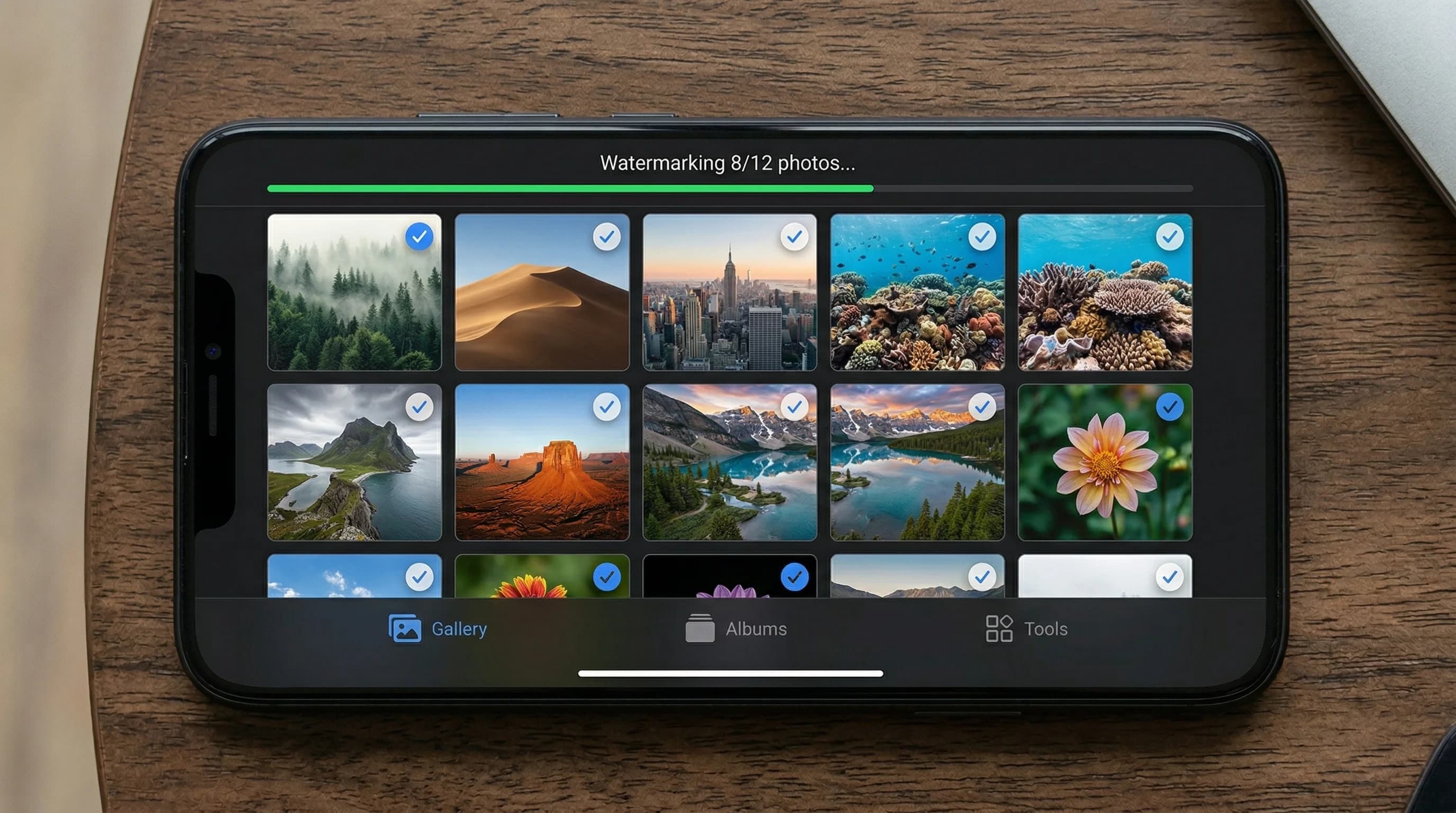
If you have ever spent an afternoon manually adding watermarks to photos one by one, you know how tedious it can be. Batch watermarking solves this problem completely. With Watermark Maker, you can select hundreds of photos from your gallery and apply the same watermark to every single one in a single operation.
The batch watermark feature is designed for photographers, e-commerce sellers, real estate agents, and anyone who regularly works with large volumes of images. Instead of opening each photo individually, you design your watermark once — choosing your logo, text, or QR code — and then apply it across your entire selection. The result is perfectly consistent branding on every image.
What makes batch watermarking in Watermark Maker especially powerful is that all processing happens on your device. There is no need to upload photos to a cloud server, wait for processing, and then download them again. This means your batch watermark jobs finish faster and your photos remain completely private. Even a batch of 500 photos can be processed in just a few minutes, depending on your device.
You can also save your watermark designs as templates, making it even faster to batch watermark photos in future sessions. Whether you are preparing product shots for your online store or protecting a gallery of event photos, batch processing turns what used to be hours of work into minutes. Combined with the ability to add watermarks to individual photos with fine-tuned positioning, Watermark Maker covers every workflow.
How Batch Watermarking Works
Select Multiple Photos
Open Watermark Maker and tap the batch select button to pick tens or hundreds of photos from your gallery at once.
Design Once, Apply Everywhere
Create your watermark with text, a logo, or a QR code. Set the position, size, opacity, and tiling to your liking.
Process & Export
Tap the export button and Watermark Maker processes every photo on-device. All watermarked images are saved to your gallery.
Download Watermark Maker
Batch watermark your entire photo library in minutes. Free on Android and iOS.